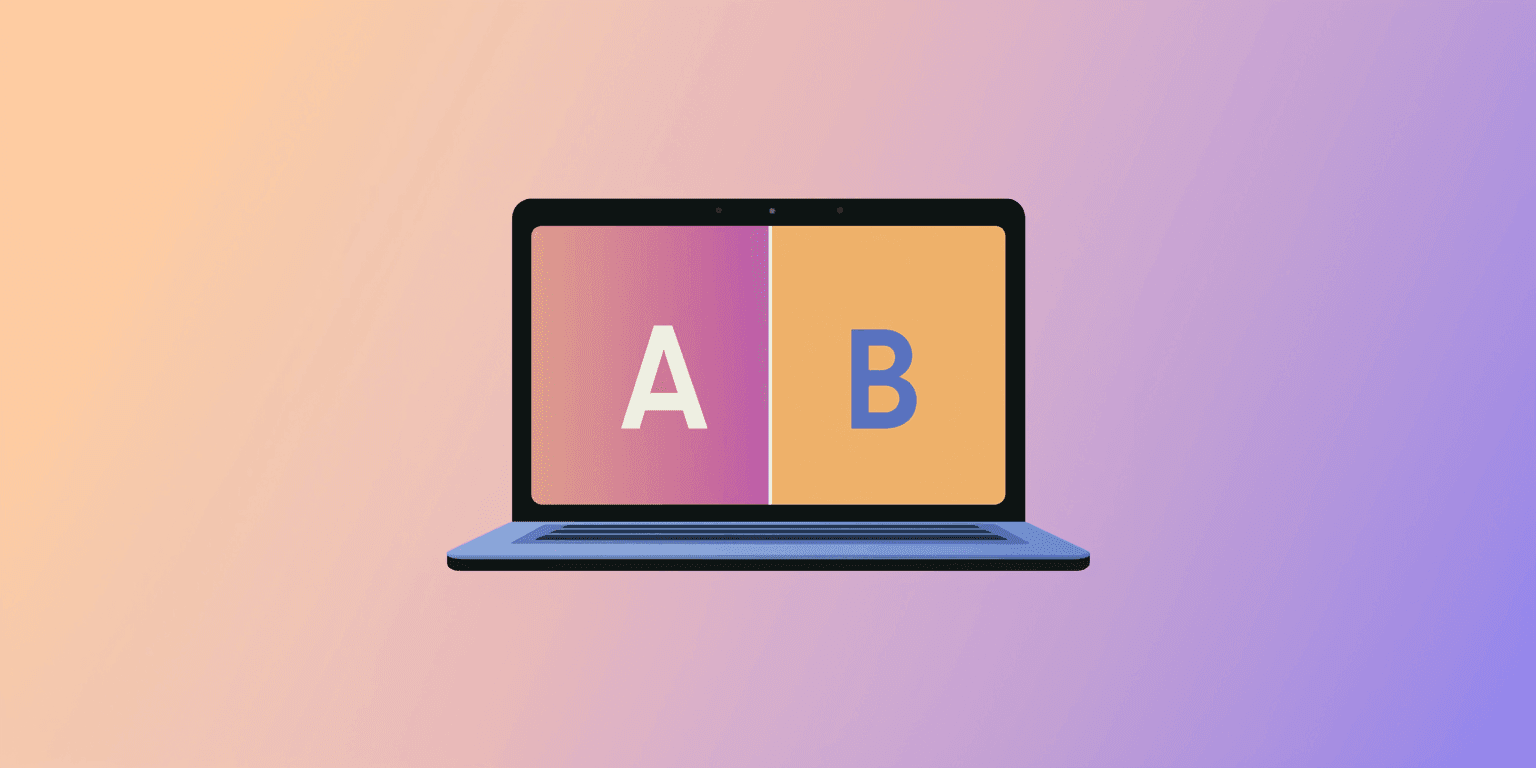
In the conversion rate optimization (CRO) world, minor changes can lead to major shifts in revenue. A/B testing—or split testing—your website popups and widgets is one of the most reliable ways to discover what messaging, design, and trigger rules resonate best with your visitors. Instead of guessing what works, popup A/B testing lets you rely on real user data to boost signups, reduce cart abandonment, and increase sales.
Related articles: Multi-step popups, 2026 marketing funnel guide
What Elements Should You A/B Test in a Popup?
To build a high-converting popup campaign, you should experiment with different combinations of design, timing, and copy. Here are the most impactful elements to split-test:
- Offers & Incentives: Test whether your audience prefers percentage discounts (e.g., “10% off”) vs. absolute discounts (e.g., “$10 off”) or value-adds like “Free Shipping.”
- Triggers & Timing: Compare showing a popup after a 5-second delay against a behavior-driven trigger like exit-intent or scrolling past 50% of a page.
- Visual Format: Compare supported formats, such as a slide-in and a modal, while keeping the offer and necessary fields consistent.
- Copy & CTAs: Experiment with benefit-driven button text (e.g., “Get My Free Guide”) vs. standard actions (e.g., “Subscribe”).
- Form Steps: Test a quick, single-field email capture form against a multi-step qualification survey that collects preferences first.
A Step-by-Step Guide to Popup A/B Testing
1. Set Clear Conversion Goals
Determine exactly what metric you want to improve: email signup rate, discount code redemption, or reduction in checkout abandonment.
2. Change Only One Variable
To accurately understand what caused a change in performance, keep Variation A (the control) and Variation B identical, except for a single element (like the background image or button color).
3. Run the Test Simultaneously
Run variants concurrently with consistent random assignment where your testing system supports it. An even split is a common starting point. This helps balance time-related differences between groups; it does not remove every source of bias.
4. Reach Statistical Significance
Plan sample size and duration using your baseline signup rate and the smallest difference that would be useful to your business. Cover relevant traffic cycles and avoid stopping simply because one version takes an early lead. A fixed number of views or weeks is not proof of a reliable result.
5. Declare a Winner & Repeat
Review whether the evidence supports a useful improvement before rolling it out. If the result is inconclusive, retain the baseline or plan a better-powered follow-up; a test does not have to produce a winner.
Common Mistakes to Avoid in Popup Testing
- Testing Too Many Elements: Changing the headline, image, and trigger all at once makes it impossible to know which change drove the result.
- Ignoring Mobile Performance: A popup layout that performs beautifully on a desktop might feel intrusive or display poorly on mobile screens. Always check mobile metrics separately.
- Stopping Tests Prematurely: Ending a test after three days because one variation has a slight lead is a recipe for false positives. Let the test complete its cycle.
Preparing AI-edited popup variants
AI can help you prepare a variation, but generating a new design does not run a fair experiment. Ask for one specific change and list what must stay the same: offer, field requirements, targeting, success action and any other controls relevant to the test.
Keep the offer, layout, fields and button text unchanged. Rewrite only the headline to emphasize early access rather than exclusivity.
This is a suggested editing brief, not a verified test result. Inspect the saved version and test the form before using it. If the edit also changes layout or fields, correct that drift or redefine the experiment; otherwise you cannot isolate the intended headline comparison.
The AI popup tutorial shows actual edits and mobile checks. For an A/B test, assign eligible visitors consistently and run variants concurrently where your tools support it. A before/after rollout can also reflect seasonality or a change in traffic. Do not describe AI editing as automatic traffic allocation or statistical analysis unless those capabilities are actually available in your setup.