Before you begin, ensure you have the following:
Active Accounts:
- An active Onvocado account.
- An active Brevo account.
Integration Guides
Connect Onvocado with Brevo to sync customer data, automate email updates, and use Brevo’s email tools directly within Onvocado, simplifying your communication process.
Before you begin, ensure you have the following:
Active Accounts:
Begin by accessing your Onvocado account:
Log In:
Select the Desired Campaign:
Within the "Publish" settings:
Locate Integrations:
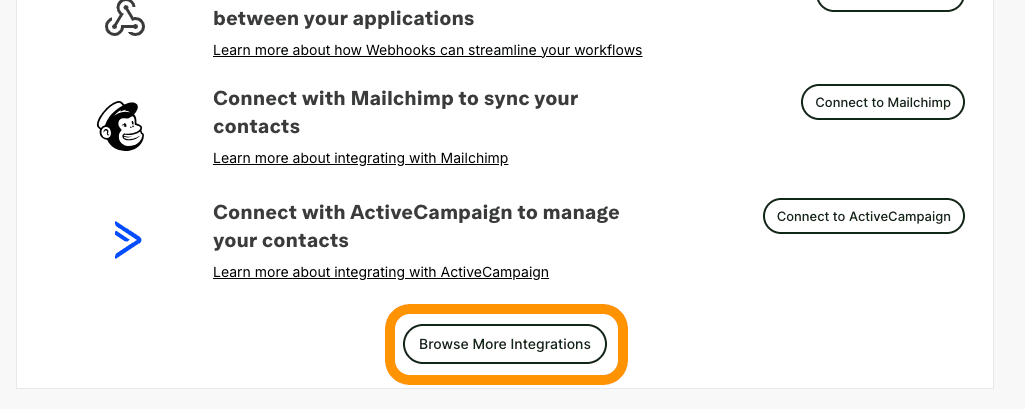
Select Brevo:
Once the connection is established, the Brevo integration form will appear.
Note: If you haven’t set up an audience in Brevo yet, you’ll need to create one before proceeding.
Mapping your internal Onvocado fields to Brevo fields ensures that data is correctly transferred and utilized in your email campaigns.
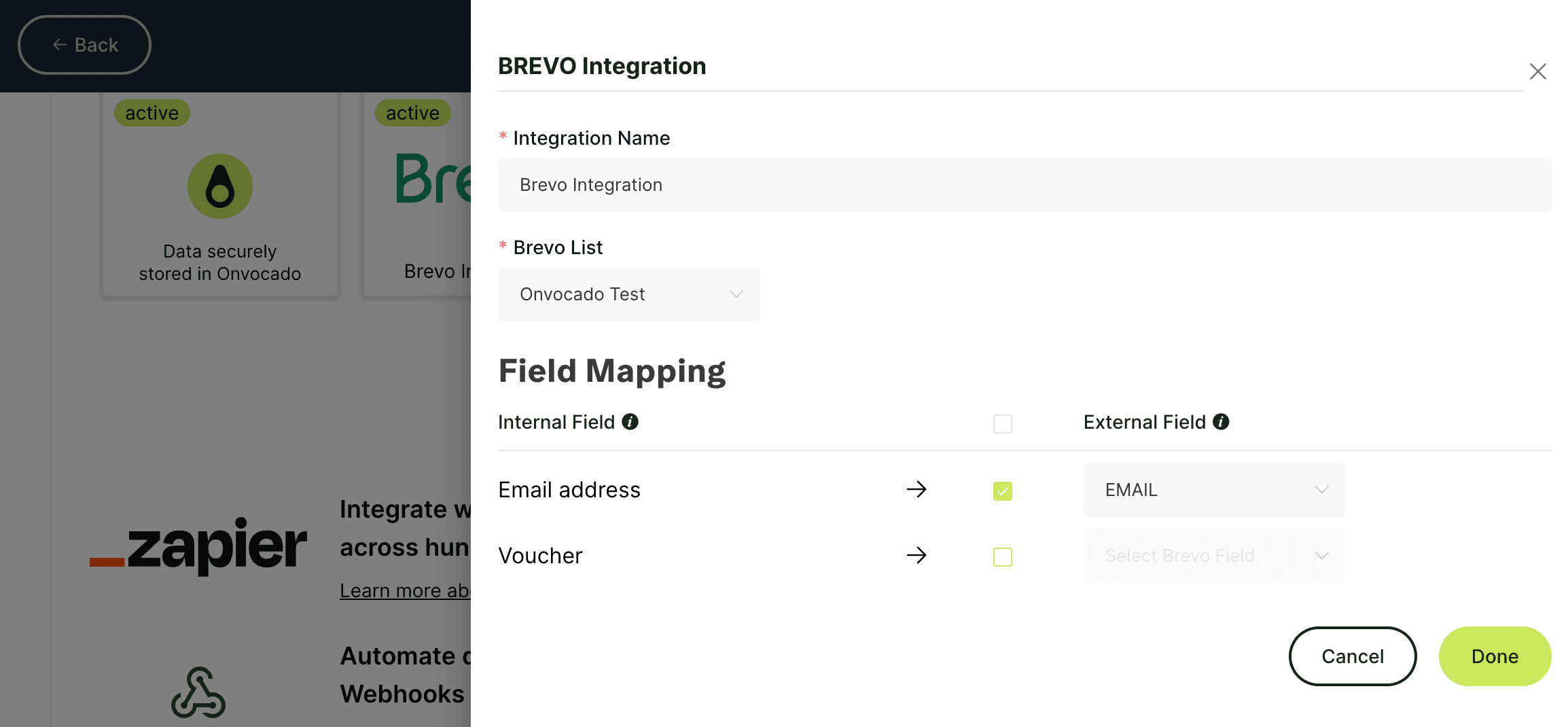
Important: Ensure that the “email” field is mapped and active, as it’s mandatory for Brevo.
After configuring the necessary fields:
Review Your Settings:
Save Changes:
Confirmation:
To ensure everything is working as expected:
Add a Test Lead:
Verify in Brevo:
Troubleshoot if Necessary:
Maximize Brevo’s Features:
Maintain Field Accuracy:
Missing Required Fields
Issue: Essential lead information, such as the Email field, is missing in Brevo.
Fix: Double-check that all required fields are properly mapped in the integration settings and that the Email field is active.
Permission Issues
Issue: The integration cannot authenticate or execute actions.
Fix: Confirm that your Brevo account has the appropriate permissions to access and manage audiences and contacts through the API.
Integrating Onvocado with Brevo allows you to unlock the full potential of your email marketing. By automating data syncing and utilizing Brevo’s powerful CRM and email tools, you can improve customer engagement, simplify your workflows, and achieve better results for your business. Follow the steps in this guide to set up the integration with ease and start enhancing your marketing efforts today.
If you run into any issues or have questions during the process, our support team is here to help!
Before we dive into the steps for setting up the integration, let’s take a moment to understand how connecting Onvocado with Brevo can elevate your business:
Save time by automating email responses based on customer actions within Onvocado, ensuring timely and relevant communication.
Leverage Brevo’s powerful segmentation features to organize your audience into targeted groups, making your outreach more personalized and effective.
Ensure your customer information stays synchronized across platforms, streamlining workflows and ensuring accurate data for better decision-making.
Was this article helpful?
Our team is one message away. Expect a reply within a business day.
Contact support